Your campus, organised.
Campusly keeps your timetable, assignments, notes and class chat in one place, set up for your college, department and section.
This download is signed separately from the Google Play version. If you later want the Play Store version, uninstall this one first.
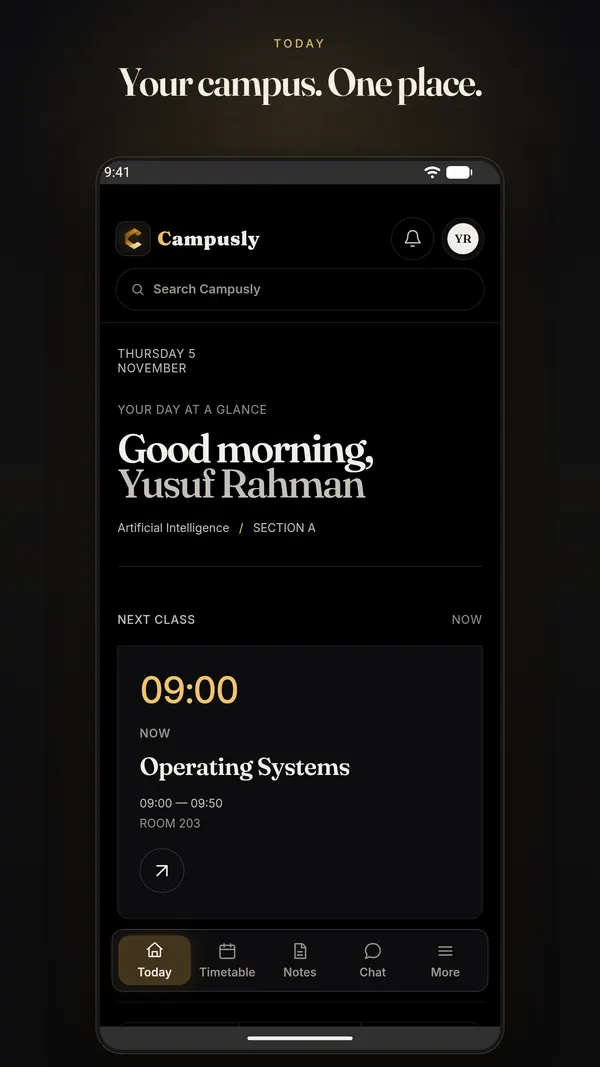
Everything your week needs
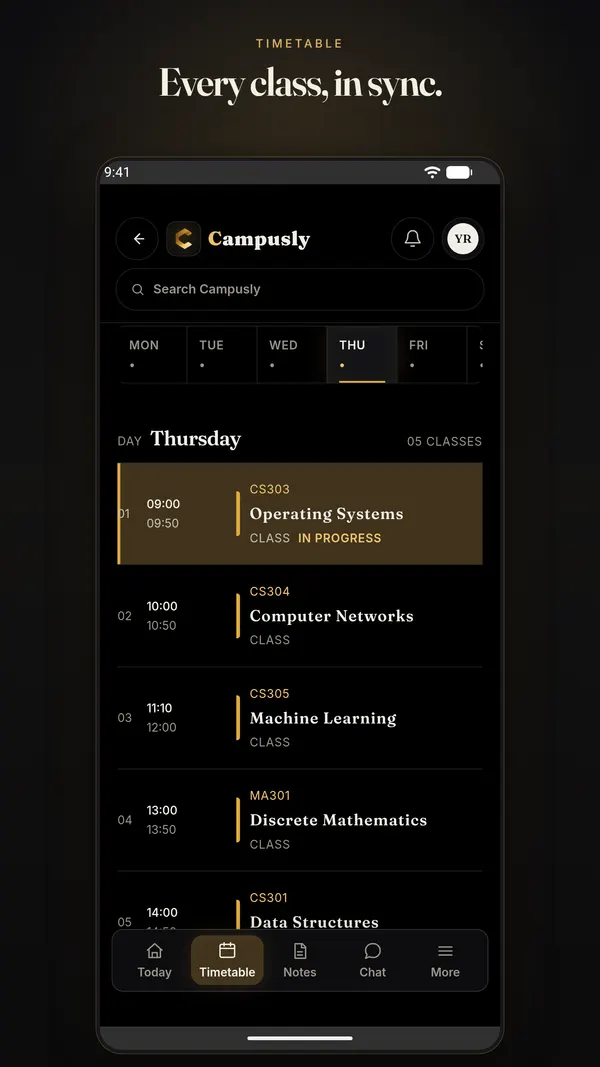
- Timetable
- Your section's classes for all seven days, with your own personal slots alongside.
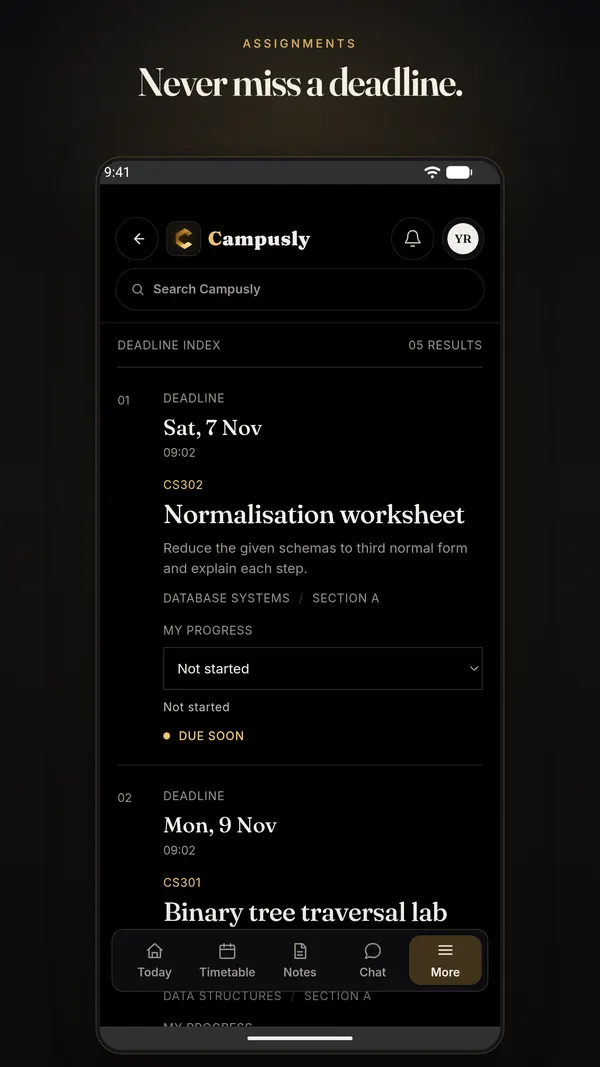
- Assignments
- Due dates from your class representatives, with progress you can track.
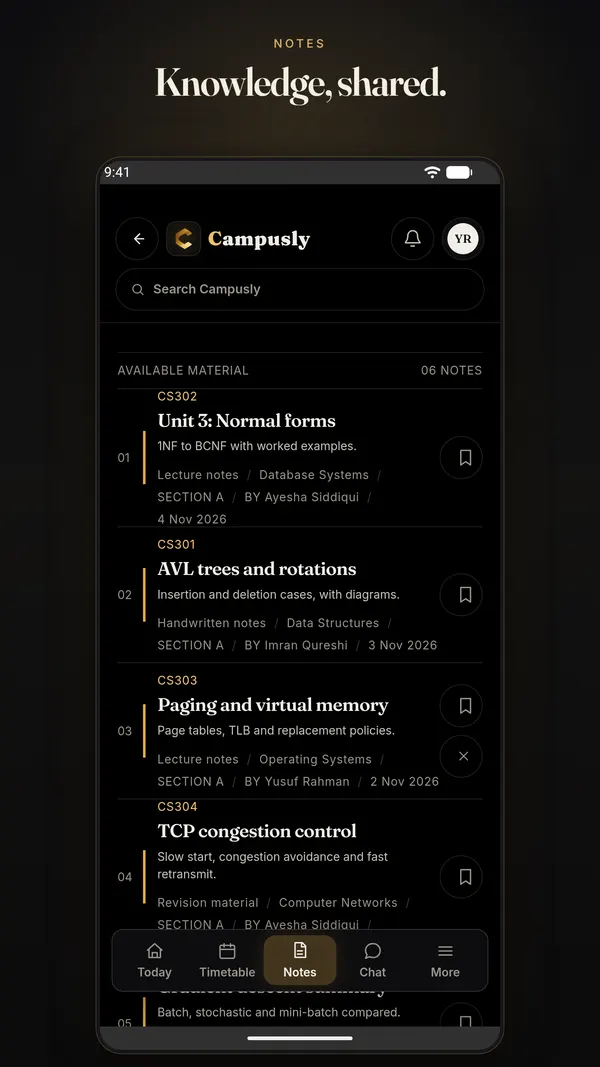
- Notes
- Share and find study material by subject, type and tag. Bookmark what you need.
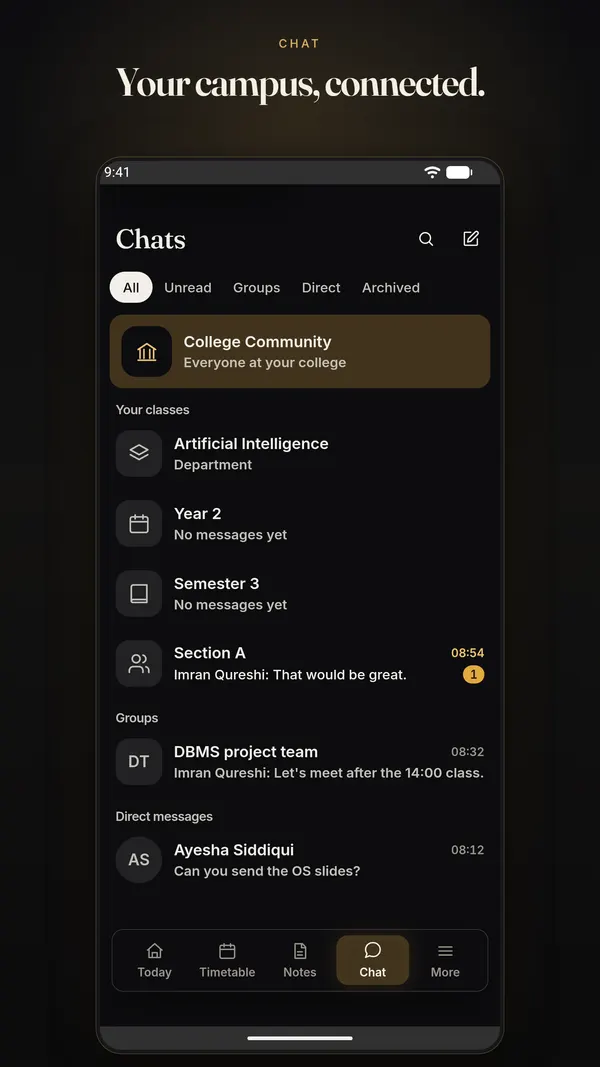
- Chat
- Section, department and campus rooms, plus direct messages with classmates.
- Tasks and goals
- Plan your own study tasks next to the official work.
- Verified students
- New accounts are checked against your college enrolment before they see campus data.
Installing the APK
- Tap Download for Android on your phone.
- Open the downloaded file. If Android asks, allow your browser to install apps.
- Open Campusly and sign in with your college email or Google.
SHA-256: c2f14aa3eb9f28ed1fd93509cd6aae5089581491b6ac02f21e24071f7dac2db8